 Luma
LumaOne thing, decided last night.
Home opens on the single thing that matters today, chosen the night before.
Reminders, notes, habits, and to-dos, all in one calm place.


Four apps, and none of them quiet.
A reminder in one, a list in another, a streak in a third, notes somewhere you forgot. Each wants a little of your attention. Together they want all of it.
A day in Luma
From the first thing in the morning to the last thought at night.
Home opens on the single thing that matters today, chosen the night before.
Set it once: every day, or three times a day. At two, it rings for the afternoon dose.
Streaks count what you actually did, so a day off in a weekly habit never breaks one. Two done, two to go.
Write it down before bed. It's already saved.
Normal, or Urgent
A Normal reminder arrives as a notification with I'm on it and Snooze 10 min.
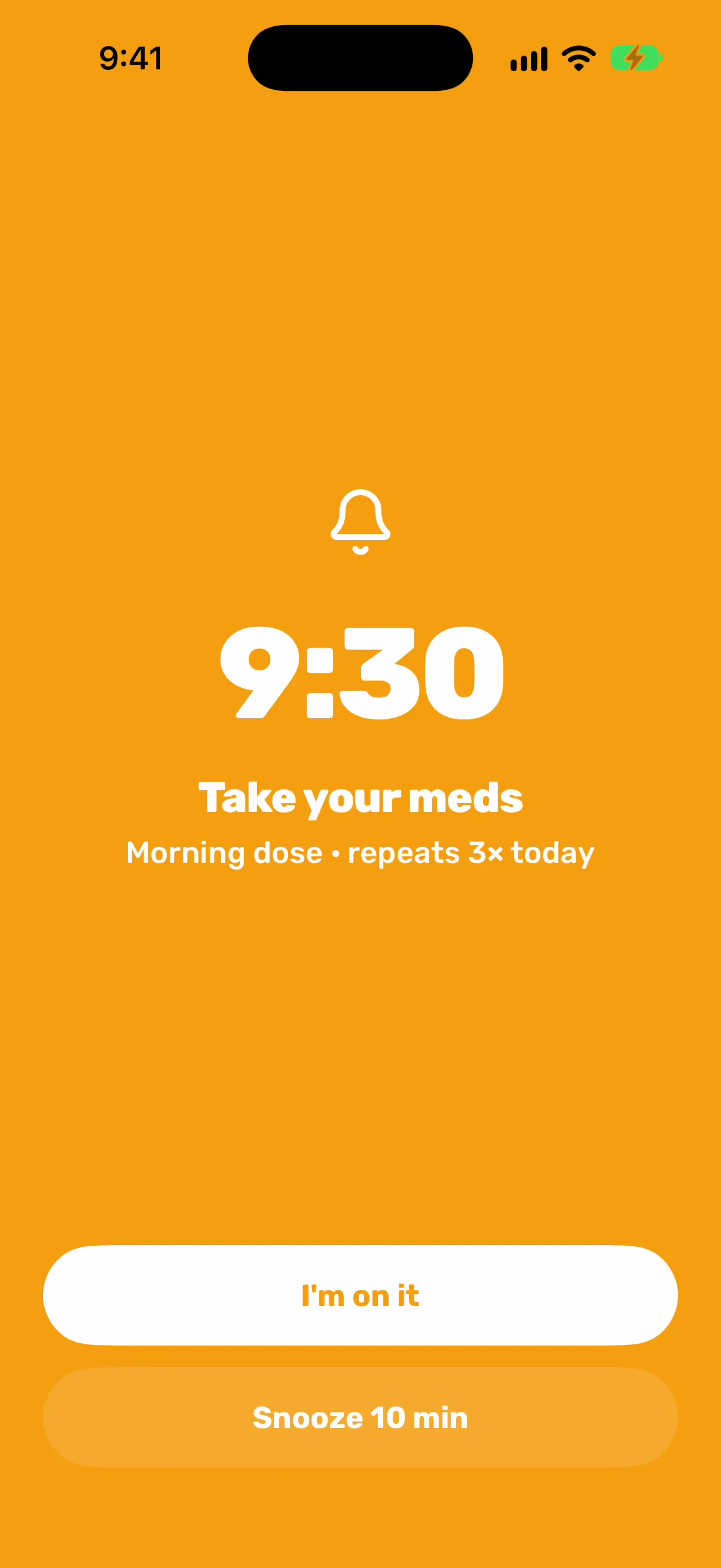
An Urgent one is booked as a real iPhone alarm — it rings through silent mode and Focus, and takes the screen the way an alarm should.
Snoozing never touches the reminder itself. The row just starts reading “Ringing again at 10:05 AM”.
Everything a day needs, and not one thing more.
TasksA reminder has a time and, if you want, an alarm. A to-do has neither: it waits in Today, Tomorrow, This week or Someday until you are ready.
NotesThe title and the body are the text fields. Every keystroke is already written down; the checkmark does not save it, it tells you it happened.
HabitsName it, pick an icon and a color, choose every day or the weekdays that suit you. Progress and streaks count themselves from what you tick.
The small things Luma works out, so you never have to.
Set a reminder for three times a day and each reminder knows which dose it is. Morning, afternoon and night group themselves.
Lose signal and a small Offline tag says so. Everything you change is saved on your phone and syncs the moment you are back.
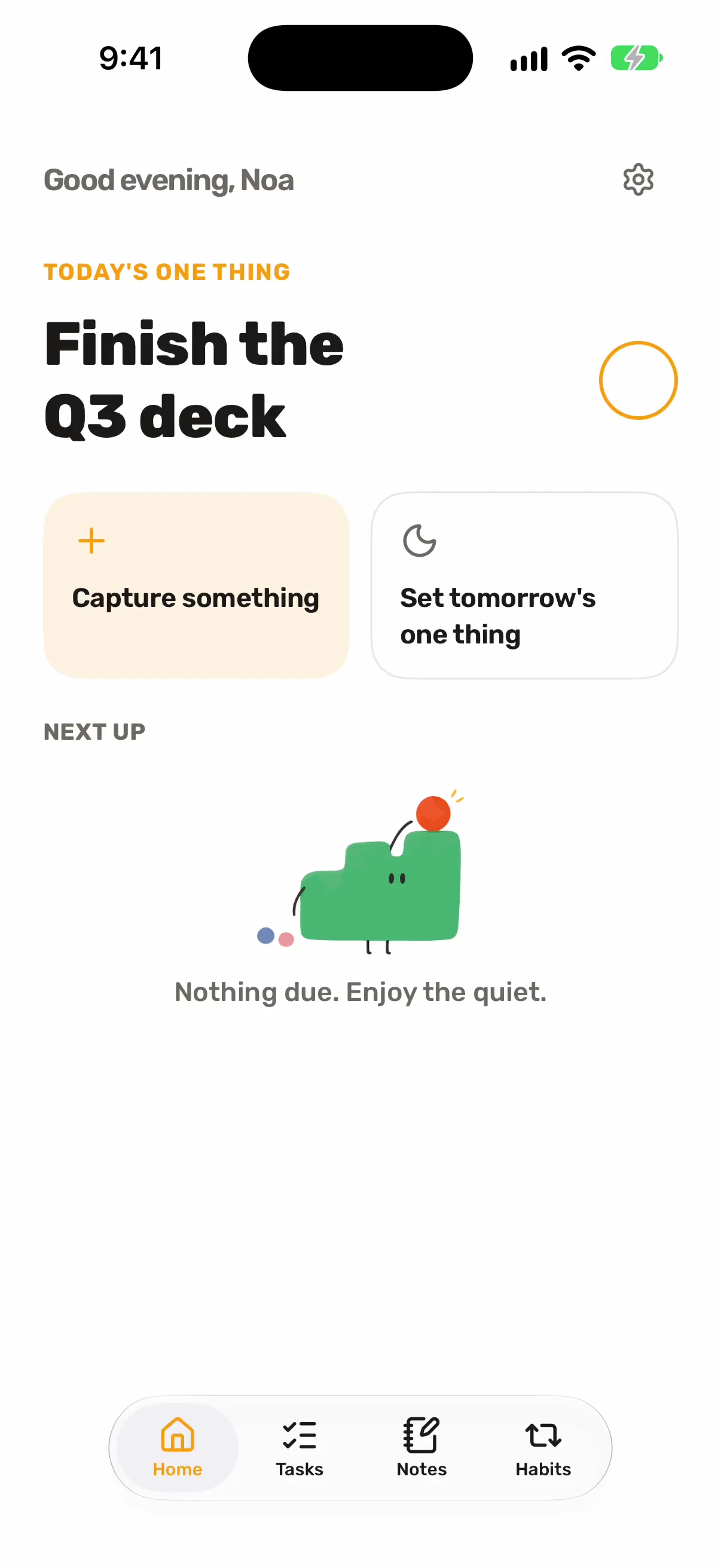
When there is nothing left today, Luma says so plainly. No badges, no guilt, no nudge to add something just to fill the space.
Make Luma yours
The same twenty swatches the app ships with, tinting habits, ticks, alarms and every badge. Choose one here and watch it land — on your phone, it tints everything.
22:30 · Calm by design
No noise, no streak guilt. Notifications are nudges you opt into.
Reminders, notes, habits and the one thing sync across your devices, and everything keeps working without signal.
You are always in control of what is stored, and you can delete everything at any time. Account deletion removes it all, permanently.
At launch: seven days free, then $5.99 a month, or $39.99 a year and save 44%. Cancel anytime.
Not today. Luma is built for iPhone, with native reminders and real iPhone alarms, and that is where it lives for now.
No. Notifications are opt-in and quiet by default. Only a reminder you mark Urgent rings through silent mode, because you asked it to.
Yes. Everything is saved on your phone first and syncs across your devices once you are back online.
It stays yours. You are always in control of what is stored, and deleting your account removes everything, permanently.
23:10 · Private beta
Luma is for iPhone, in private beta. Leave your address and you will hear from us once, when it opens.
At launch: seven days free, then $5.99 a month, or $39.99 a year and save 44%. Cancel anytime.